Left / Left on Android
Is there a Left app for Android?
No. Left is an iPhone app, and there is no Android version. If you use Android, you can still use Left on the web: a free page that shows the year, month, week, day or your life as a grid, and that you can add to your home screen like an app.
The web version is free and needs no sign-in. The iPhone app needs iOS 26 or later.
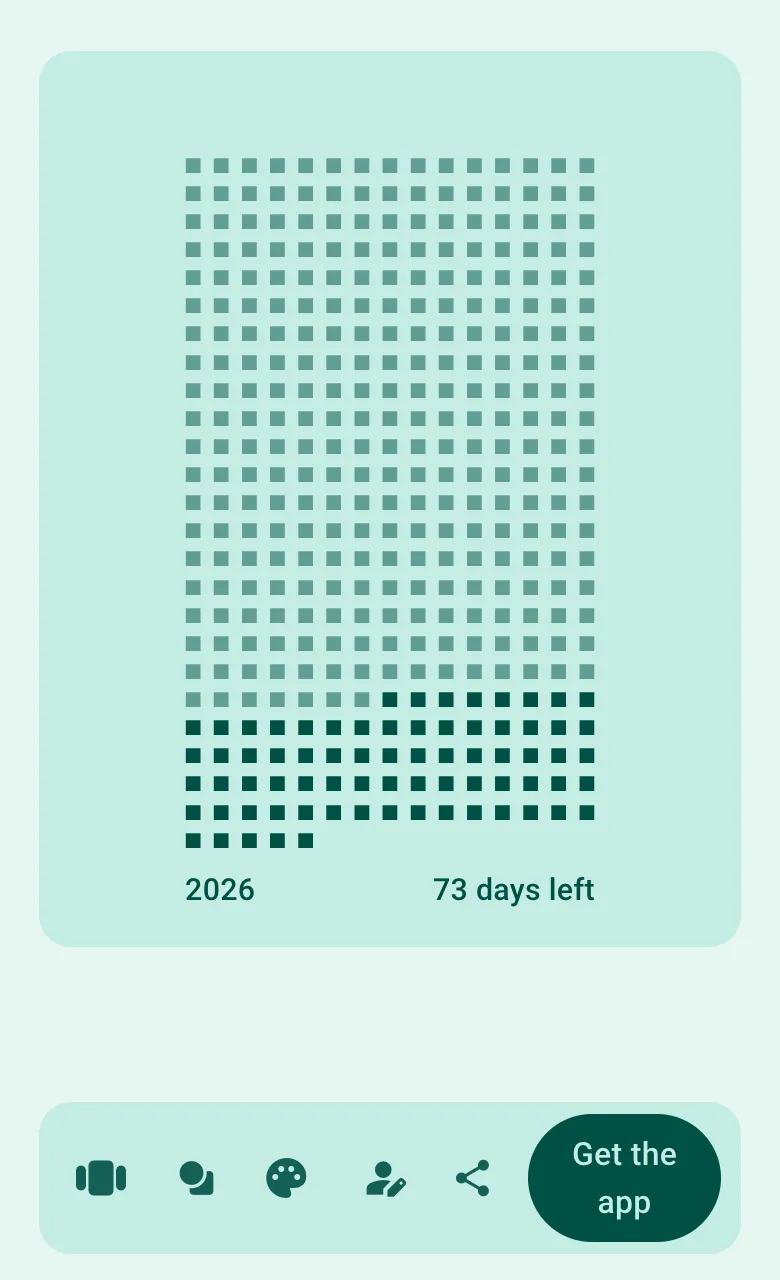
What Left on the web does
Left on the web lives at getleft.app/web and works in any modern browser, including Chrome and Samsung Internet on Android. It is the core idea of Left, time made visible, without the extras:
- Six views: the year, the year by month, this month, this week, today, and your life. Tap the view button to switch.
- Your life: add your birthday and the life view shows the years you have lived and the years left, based on an 84-year lifespan.
- Your style: change the symbol and the color theme.
- Share: save a snapshot of the current view as an image, for example to use as a wallpaper or to send to someone.
- Quotes: once installed, show a short quote about time.
Your settings stay in your browser on your device. There is no account, and nothing syncs with the iPhone app.
How to add Left to your Android home screen
- Open getleft.app/web in Chrome.
- If you want the life view, tap the person icon and enter your birthday.
- Tap Get the app on the page; on Android it offers to install the web version. You can also open the browser menu (⋮) and tap Install app or Add to Home screen.
- In Samsung Internet, open the menu (≡), choose Add page to, then Home screen.
Left then opens from its own icon, full screen, like an app. It is an installed web page, not a home screen widget: Android widgets are not available.
Can I get Left widgets on Android?
No. Left’s widgets, Lock Screen widgets and wallpaper are part of the iPhone app and rely on iOS, so they do not exist on Android. If you need a days left or life widget on an Android home screen, you will need a different app.
A few things on this site do work everywhere, in any browser:
- Time left in the year and percentage of the year
- Days since a date and days until a date
- Life expectancy calculator
- The rest of the free tools
What the iPhone app adds
If you also have an iPhone, or are thinking of switching, this is what Left does there:
- Time Left: your life, the year, month, week, day and hour as grids of symbols that dim as time passes.
- Ahead: countdowns to trips, birthdays, deadlines and any other date. See the countdown widget.
- Since: habits you tick off, streaks that count up on their own, and Aims for goals you can count. See the habit tracker and days since widget.
- Dozens of widgets for the Home Screen and Lock Screen, which also work in StandBy, plus Live Activities for countdowns and habits.
- Left Wallpaper: a Lock Screen wallpaper that updates itself every day. See the days left wallpaper.
Time Left, the widgets and the wallpaper are free. The free plan includes 2 each of countdowns, habits, streaks and Aims. Left Premium removes the limit and adds Planner, fasting, Apple Health tracking and friends. Prices are shown in the app before you buy. The app needs iOS 26 or later.
Questions
Is there a Left app for Android?
No. Left is an iPhone app. On Android you can use Left on the web at getleft.app/web for free, and add it to your home screen.
Can I get Left widgets on Android?
No. Left’s widgets need iOS. The web version can be installed as a home screen icon that opens full screen, but it is not a widget.
Is Left on the web free?
Yes. It is free and needs no account. Your birthday, view, symbol and color are stored in your browser on your device.
Does the web version sync with the iPhone app?
No. Left on the web keeps its settings in your browser and does not connect to a Left account.
What lifespan does the web life view use?
It uses a fixed 84-year lifespan with the birthday you enter. The iPhone app uses 80 years by default and lets Left Premium members set their own.
On an iPhone? Get the full app.
Download Left for iPhone for widgets, countdowns, habits, streaks and a Lock Screen that keeps time.
Scan or search "Left" on the App Store.