Download for iOS
Make every moment count.

See your time left, make it count

Left visualizes the time you have left and helps you make the most of it with habits, streaks, countdowns, and a planner for your day.

Scan with your camera to find Left on the App Store. Or search "Left" on the App Store.

Download for iOS
Left app showing habit, countdown, year-progress, and life-in-weeks widgets on an iPhone Home Screen
You at your best

Notice. Act. Become.

The time you have, the dates to look ahead to, the habits you build, and the person you are becoming; all with Left.

Make time visible.

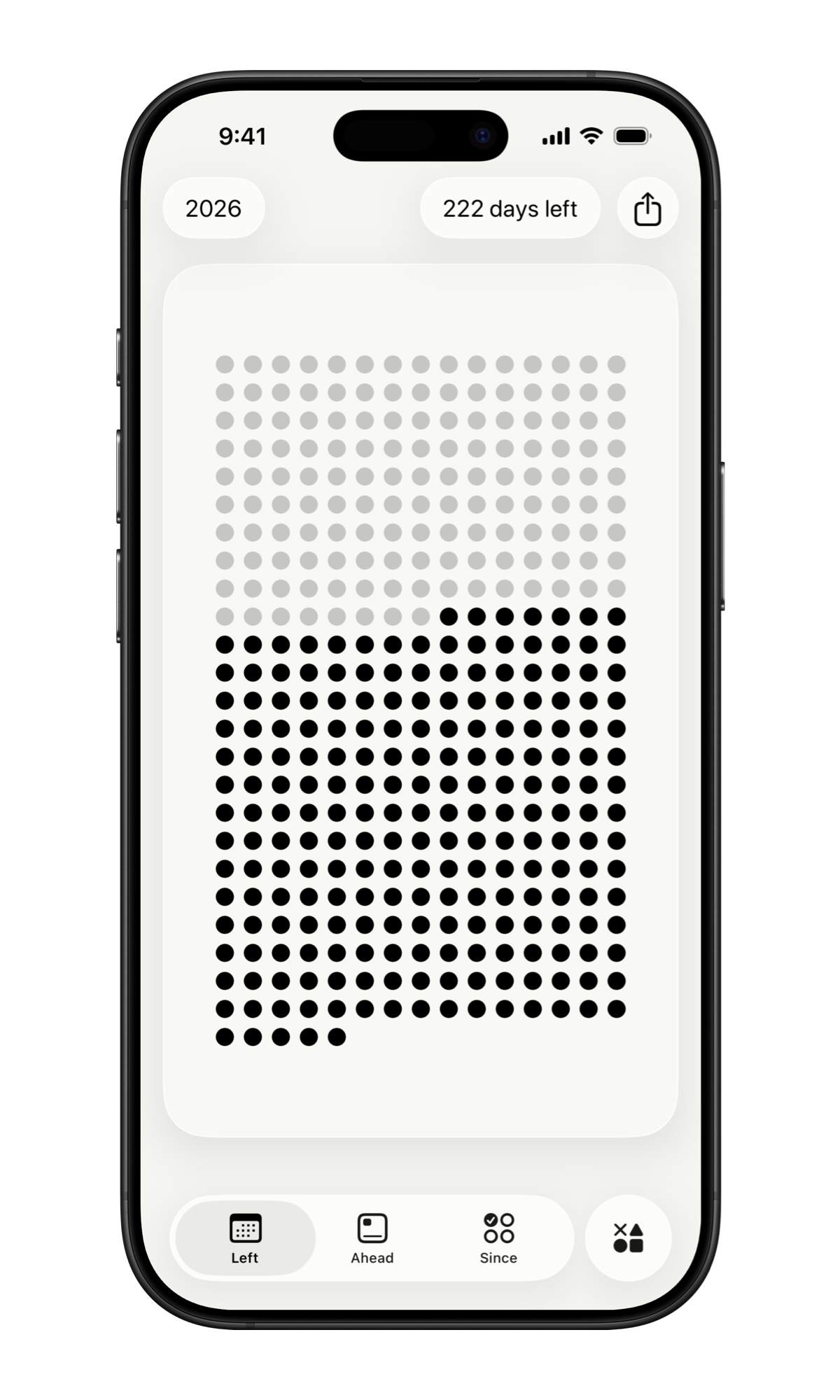
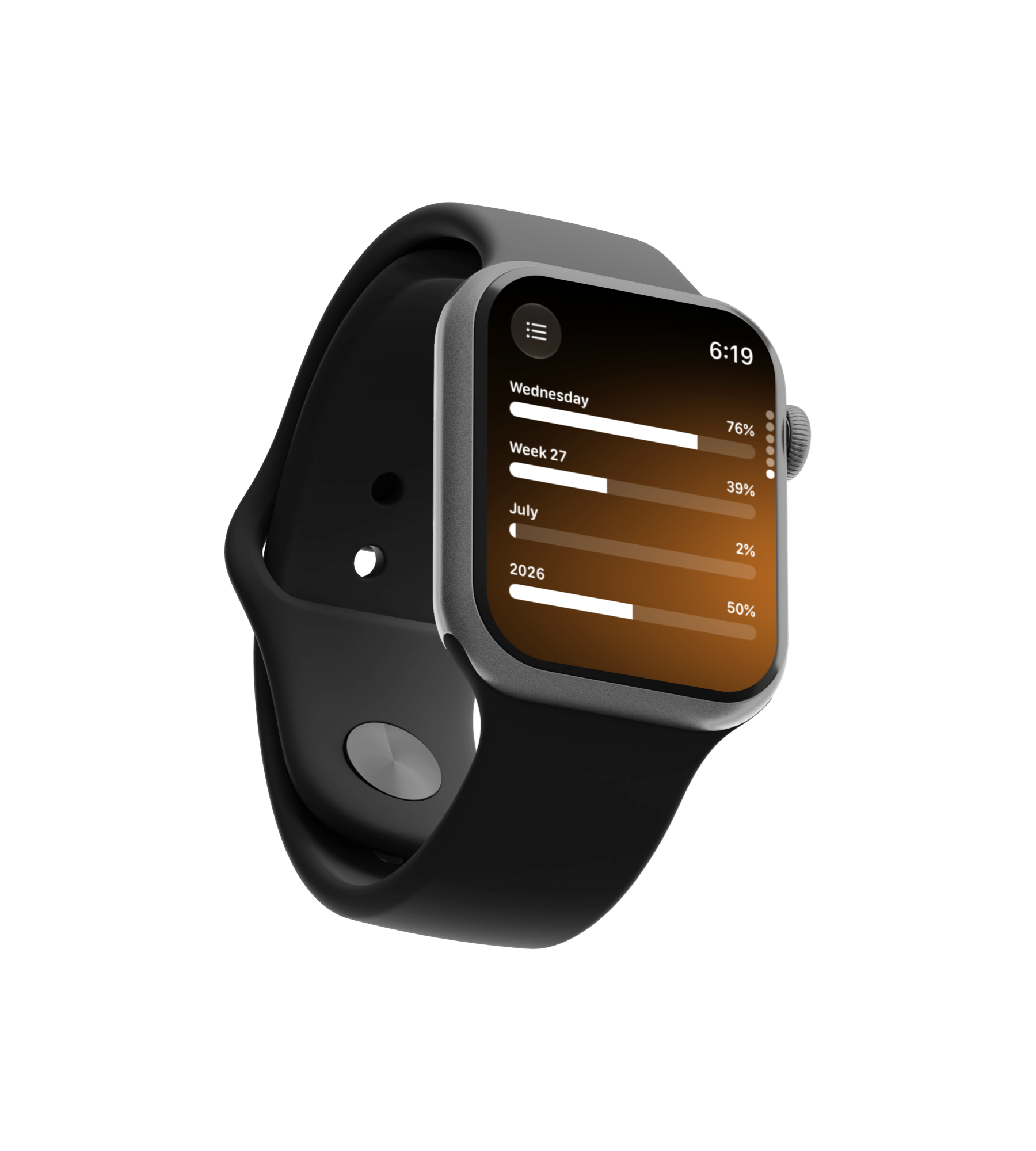
See the year, month, week, day, hour, minute, and your life as symbols that dim as time passes.

Left widgets showing time remaining across year, month, week, and day
What's Left

Everything you need to make time count.

See what is left, build the habits that matter, count down to what is ahead, and plan the day in front of you.

Time Left

Your time, made visible.

See the year, month, week, day, hour, minute, and your life as grids of symbols. The past dims. What remains stays visible on your Home Screen, Lock Screen, and StandBy.
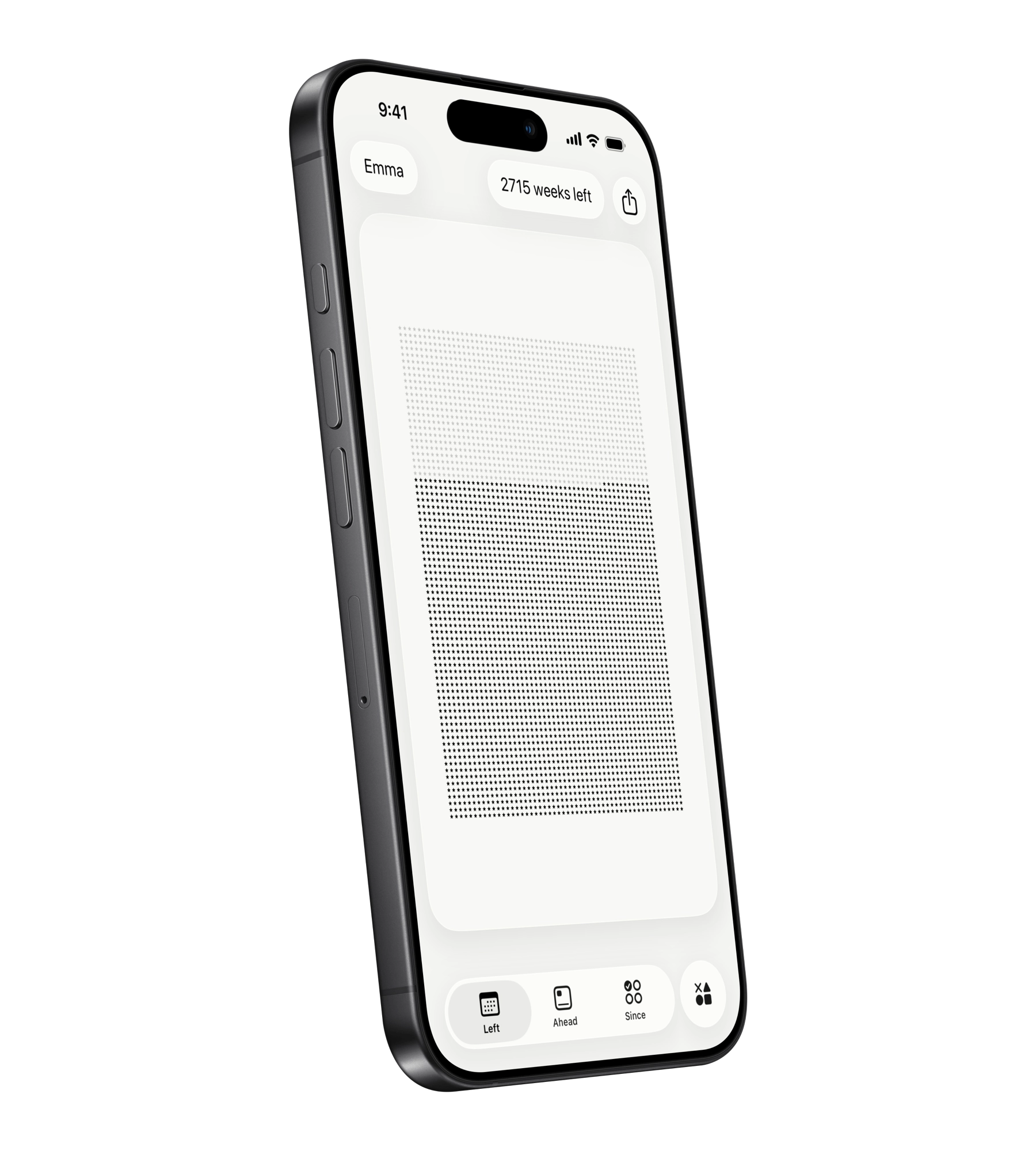
Time Left widgets for year, month, week, and day
Habits & Streaks

Become the person you keep choosing.

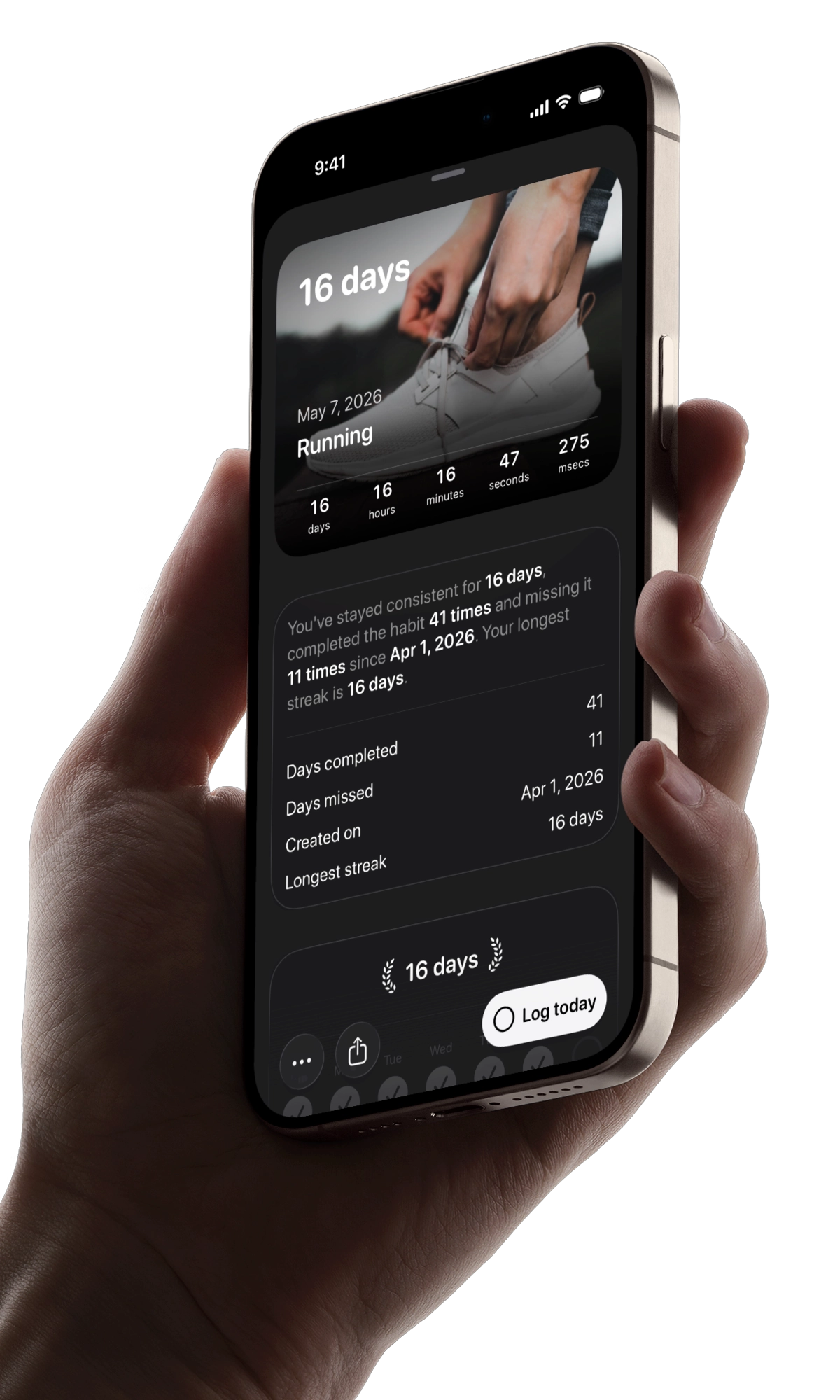
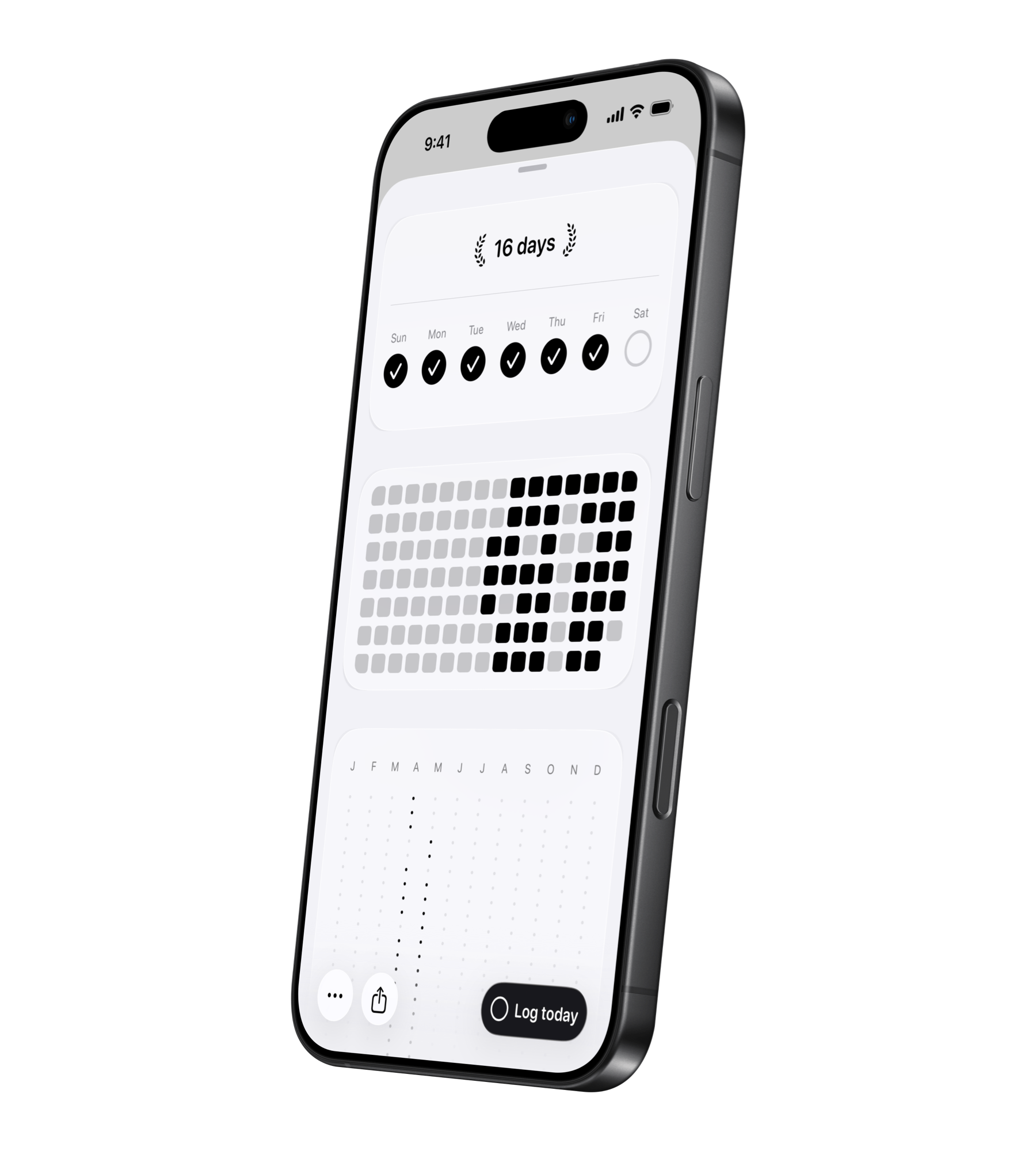
Habits and streaks turns time awareness into action. Track streaks you want to keep alive, build habits on your own schedule, and let a friend see your progress when accountability helps.

Habit tracker widgets in Left
Ahead

Give yourself something to look forward to.

Add the dates that pull you forward: trips, birthdays, holidays, anniversaries, deadlines, or anything else worth counting down to. Keep them in widgets, import from Calendar, and add friends to joint special dates.
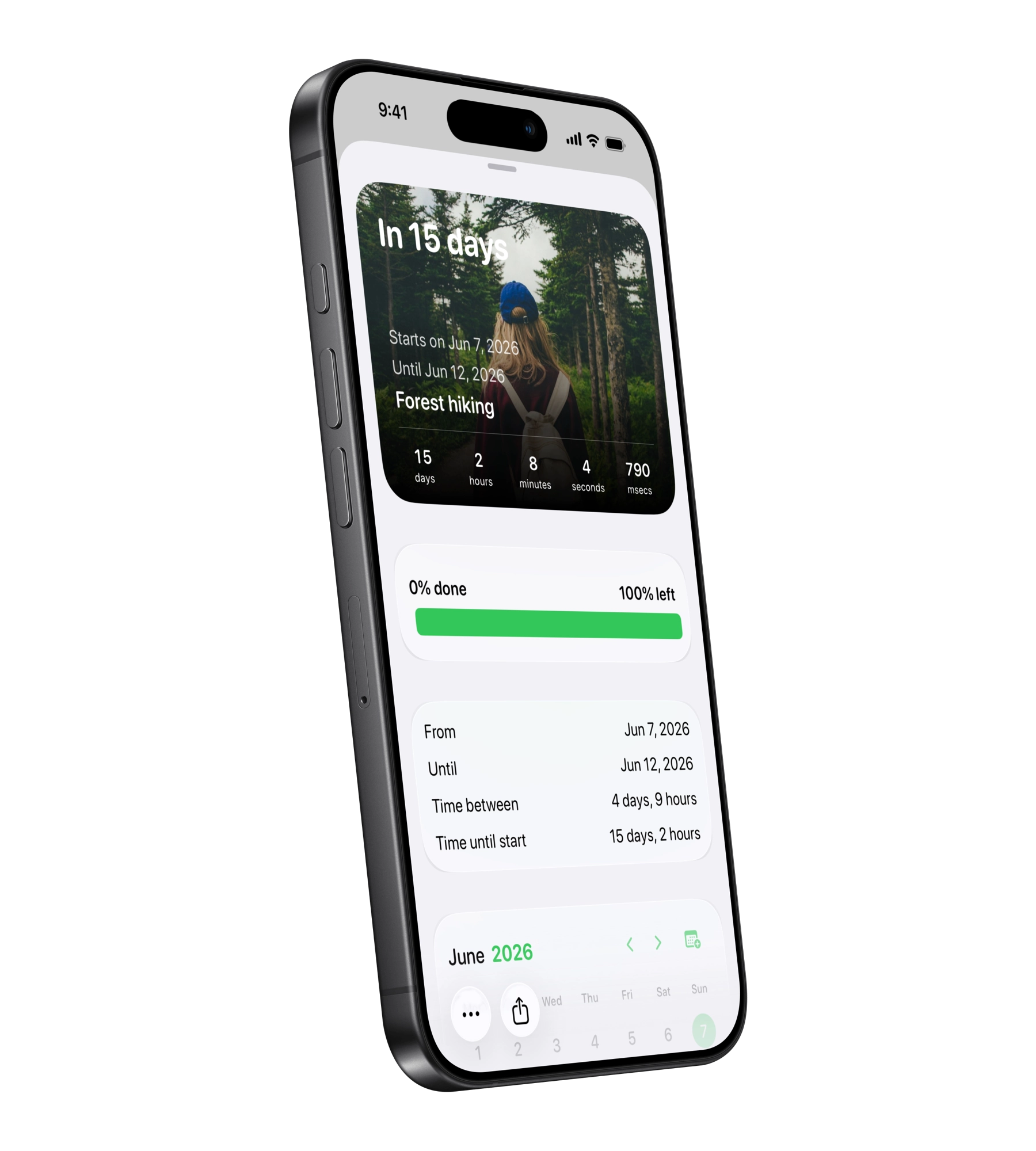
Ahead countdown widget for a custom date
Planner

Manage the day in front of you.

Planner brings your day into one view: Apple Reminders, calendar events, habits, streaks, weather, sleep, workouts, and more.
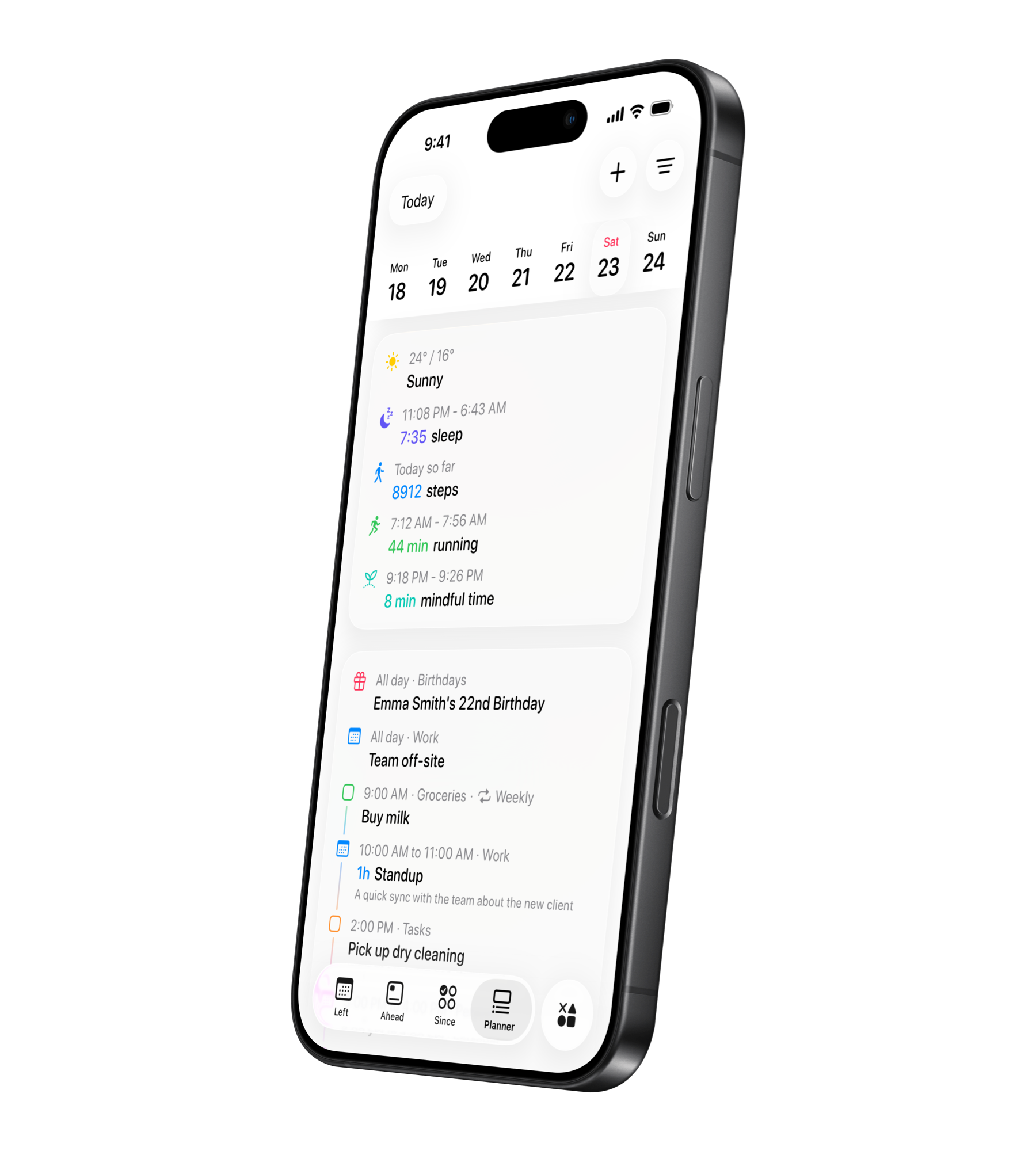
Planner timeline in Left
More to explore

More ways to keep track of what matters.

Share progress with friends, turn time into a wallpaper, calculate dates, and explore the smaller tools inside Left.

20+ widgets
Home Screen, Lock Screen, StandBy, and widgets for time left, habits, streaks, countdowns, Planner, You, notes, and more.
Friends
Share countdowns, habits, and streaks with the right people. Send kudos, encouragement, and congratulations to keep your friends accountable.
Live Activities
Get a persistent four-hour reminder for unfinished habits near the end of the day, or follow a final countdown or habit progress from the Lock Screen and Dynamic Island.
Left Wallpaper
Turn your time-left grid into a Lock Screen wallpaper that updates automatically through Apple Shortcuts.
You
See life progress, age, habits, countdowns, and personal time patterns in one profile view.
Time Between
Calculate the exact distance between any two dates or times.
Games & extras
Small built-in games and extras give Left more to explore without getting in the way.

Your time left is limited. Be aware of it. Left makes time matter. The dates ahead matter. The habits you keep matter. The streaks you protect matter. So does the person you are trying to become.

Hundreds of ideas

Start with something worth keeping.

Ready-made habits, streaks, and countdowns for the things worth keeping in view.

Life is outside the app

For the time you actually live.

Trips, runs, mornings, breaks, deadlines, anniversaries, ordinary days, and plans happen outside Left. Make the most of it.


FAQ

Questions, answered.

Have questions? Here are quick answers. You can always explore the app or contact us if you need help.

Is Left free?
Yes. Time Left, over 20 widgets, You, Wallpaper, Friends, Time Between, games, and other core tools are free forever. Left Premium unlocks deeper ways to track habits, streaks, special dates, and your day.
How does Left Premium work?
Left Premium is available as a subscription for as long as you want to use it, or as a lifetime purchase that unlocks the app forever. Prices are shown in the app before you buy.
Why does Left calculate my time left?
Because time is easier to ignore when it stays abstract. Left turns years, months, weeks, days, hours, minutes, and life progress into visible symbols so you can see what has passed and what remains.
What are Ahead dates?
Ahead dates are countdowns for future moments: trips, birthdays, holidays, anniversaries, deadlines, retirement, or anything else you want to look forward to. You can import dates from Apple Calendar and share countdowns with friends.
What's the difference between a habit and a streak?
A streak counts how long something has continued since a start date or reset. A habit asks you to complete something on a schedule: daily, multiple times per day, weekly, monthly, or custom. Both live in Since.
Can I use Left with friends?
Yes. Add friends by username to share Ahead dates, habits, and streaks. Friends can keep you accountable on your streaks and habits, or share and join a special date ahead together.
How does Planner help with my day?
Planner brings your day into one view: Apple Reminders, calendar events, habits, streaks, weather, sleep, workouts, and more.
Does Left sync across my devices?
Yes. Left syncs automatically between your iOS devices. Countdowns, habits, streaks, and friends sync through your free Left account.
Download Left

Start noticing what matters.

Download Left on your iPhone to see the time you have left, dates you are looking forward to, build the habits you want to keep, and become a better version of yourself.

Scan with your camera to find Left on the App Store. Or search "Left" on the App Store.

Download for iOS