Aim in Left: Track Any Goal You Can Count
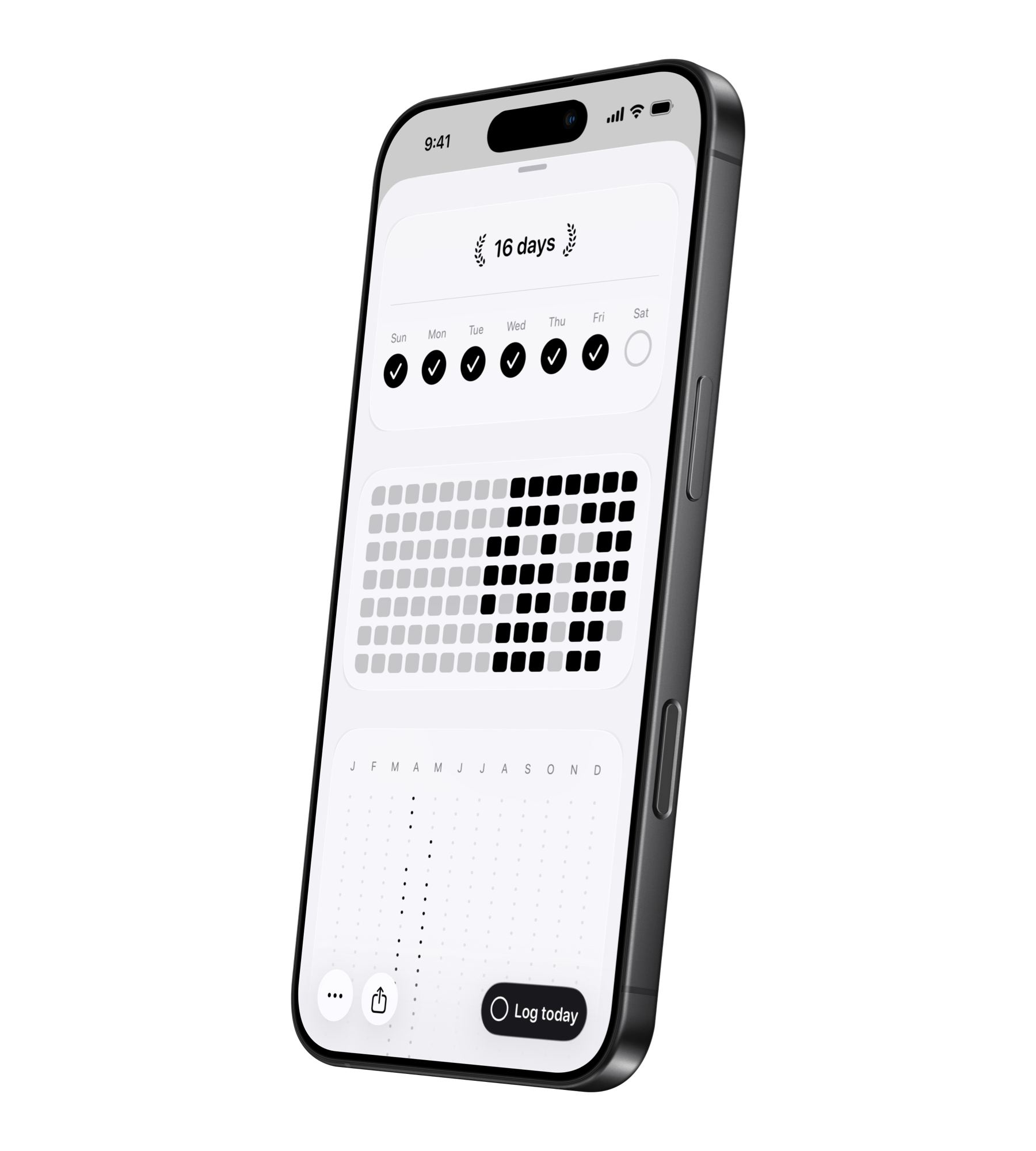
Some goals are not habits and they are not countdowns. They are numbers. Money saved, books read, kilometers run, debt reduced, hours studied, pages written, places visited, or donations made. That is what aim is for in Left.
Aim lives inside Since because it tracks progress that has already started. Habits answer "did I do it?" Streaks answer "how long since?" aim answers "how much?"
Why aim exists
A lot of goals fail because the progress stays abstract. You know you want to save money or read more, but the number is hidden in a bank app, a note, or your memory. Aim turns that number into a visible tracker with a target, unit, progress bar, optional deadline, history, and widgets.
Count up goals
Use count up when progress grows over time. Examples: save $5,000, read 20 books, run 500 km, study 100 hours, donate $1,000, or write 50,000 words. Each log adds to the total and Left shows how much is complete, how much is left, and the percentage done.
Count down goals
Use count down when the goal is to reduce something. Examples: pay off debt, lose weight, reduce screen time, cut back caffeine, or clear a remaining workload. Each log reduces the remaining amount and keeps the finish line visible.
How logging works
Each aim can have a default log amount. One tap might add one book, ten kilometers, fifty dollars, or thirty minutes. You can also enter a custom amount manually. If you make a mistake, you can correct it by subtracting or adding progress back, and the history shows what changed.
Targets and deadlines
A target gives the aim its finish line. A deadline adds pacing. With both, Left can show whether the aim is on track, ahead, behind, past due, or complete. The detail view shows current progress, target or starting number, percentage complete, amount left, entries, created date, deadline, notes, and activity views.
Widgets and Apple Watch
Aim is built to stay visible. Widgets can show the current number, target, percentage, symbol, photo, and progress bar. On Apple Watch, you can view active and completed aims, log progress, unlog progress, and check details from your wrist.
Example aim setups
- Fitness: run 500 km, lose 10 kg, walk 1 million steps.
- Learning: read 20 books, study 100 hours, finish a course.
- Finance: save $10,000, pay off debt, track side income.
- Creativity: write a book, finish songs, draw 100 sketches.
- Giving: donate money, volunteer hours, support causes.
When to use aim instead of a habit or streak
Use aim when the target is a number. Use a habit when the important part is completing an action on a schedule. Use a streak when something should keep counting automatically until it resets. Many real goals use more than one: an aim for "run 500 km this year" and a habit for "run three times per week."
Related reads
For setup principles, see Goal Progress Tracker App: Your Setup Guide. For goal frameworks, see SMART Goals. For the watch side, see Left on Apple Watch.
Start noticing what matters.
Download Left on your iPhone to see the time you have left, dates you are looking forward to, build the habits you want to keep, and become a better version of yourself.
Scan or search "Left" on the App Store.