Left on Apple Watch: Time, Plans, Habits, Aims, and Countdowns on Your Wrist
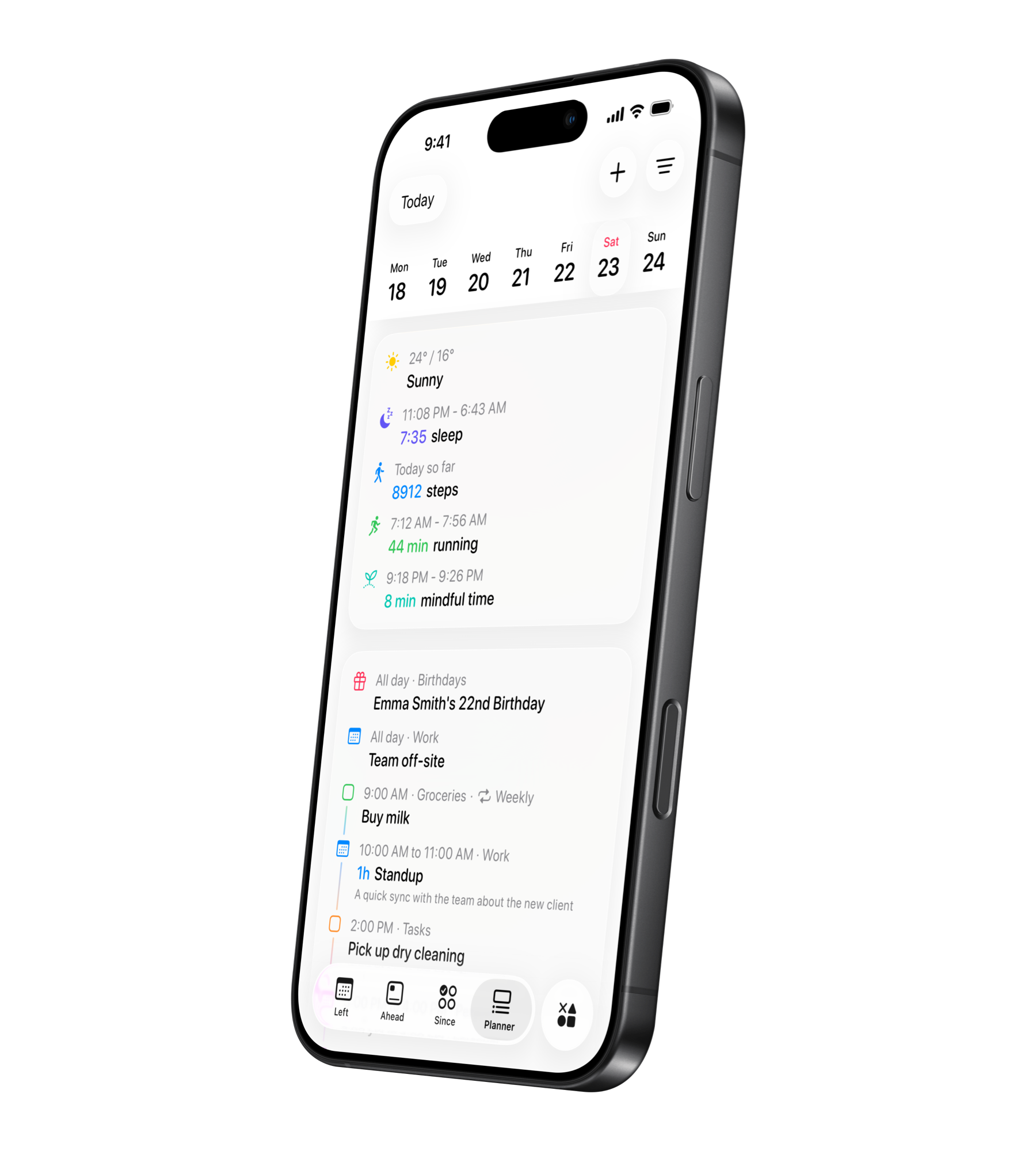
The Apple Watch version of Left is for quick glances and fast actions. It is not trying to replace the iPhone app. It keeps the parts you need most during the day close enough to check or update from your wrist.
You can move through enabled screens vertically, open lists, view details, complete reminders, log habits, update aims, reset streaks, and browse Ahead dates without reaching for your phone.
Left Time
Left Time shows progress through the current day, week, month, and year with simple bars and percentages. It is the wrist version of time awareness: how much of today is gone, where the week stands, and how the year is moving.
Planner
Planner shows what is happening now, what is up next, overdue reminders, weather, and upcoming days. Details can include time, calendar or reminder list, location, priority, repeat information, notes, and a complete button for reminders.
Habits
Habits on Apple Watch are built for the moment right after you do the thing. Log a habit with one tap, undo a completion, check what is due today, and review recent days without opening the iPhone app.
Aims
Aims let you update number-based goals from your wrist. Add money saved, log kilometers run, record books read, reduce debt, track weight loss, or add study hours. Count up aims add progress; count down aims reduce what remains.
Streaks
Streaks stay visible on the Watch so you can check current streaks, see reset details, reset a streak when it breaks, and undo a reset made today.
Ahead
Ahead shows upcoming dates and milestones. It is useful for trips, birthdays, deadlines, exams, launches, and personal moments where you want the countdown close.
Navigation and enabled screens
The Watch app uses a vertical page layout. Swipe between enabled screens or open the screen list from the toolbar. You control which screens appear from the iPhone app, so the Watch stays focused on the sections you actually use.
Sync and cached data
The Watch app syncs with the iPhone app when opened, when it becomes active, and periodically while in use. It also keeps recent synced information cached, so the Watch can still show recent data when the phone is not immediately reachable.
Related reads
For number-based goals, see aim in Left. For a goal setup walkthrough, see Goal Progress Tracker App. For ADHD-specific watch setups, see Best Apple Watch Apps for ADHD.
Start noticing what matters.
Download Left on your iPhone to see the time you have left, dates you are looking forward to, build the habits you want to keep, and become a better version of yourself.
Scan or search "Left" on the App Store.